
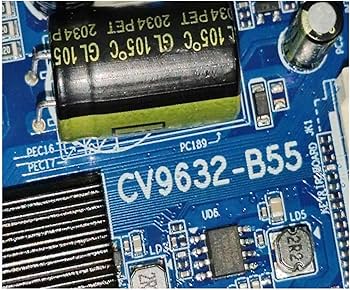
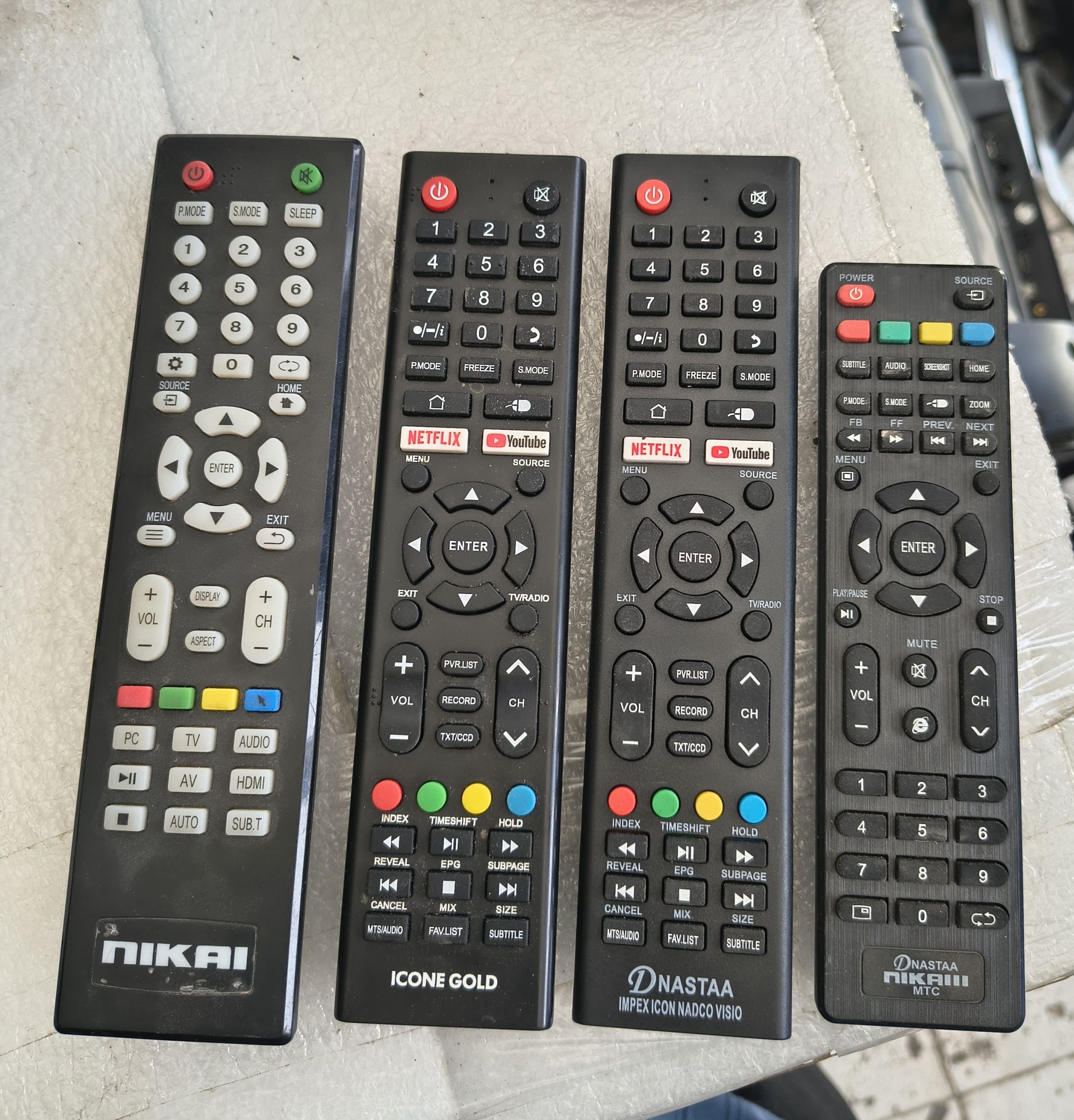
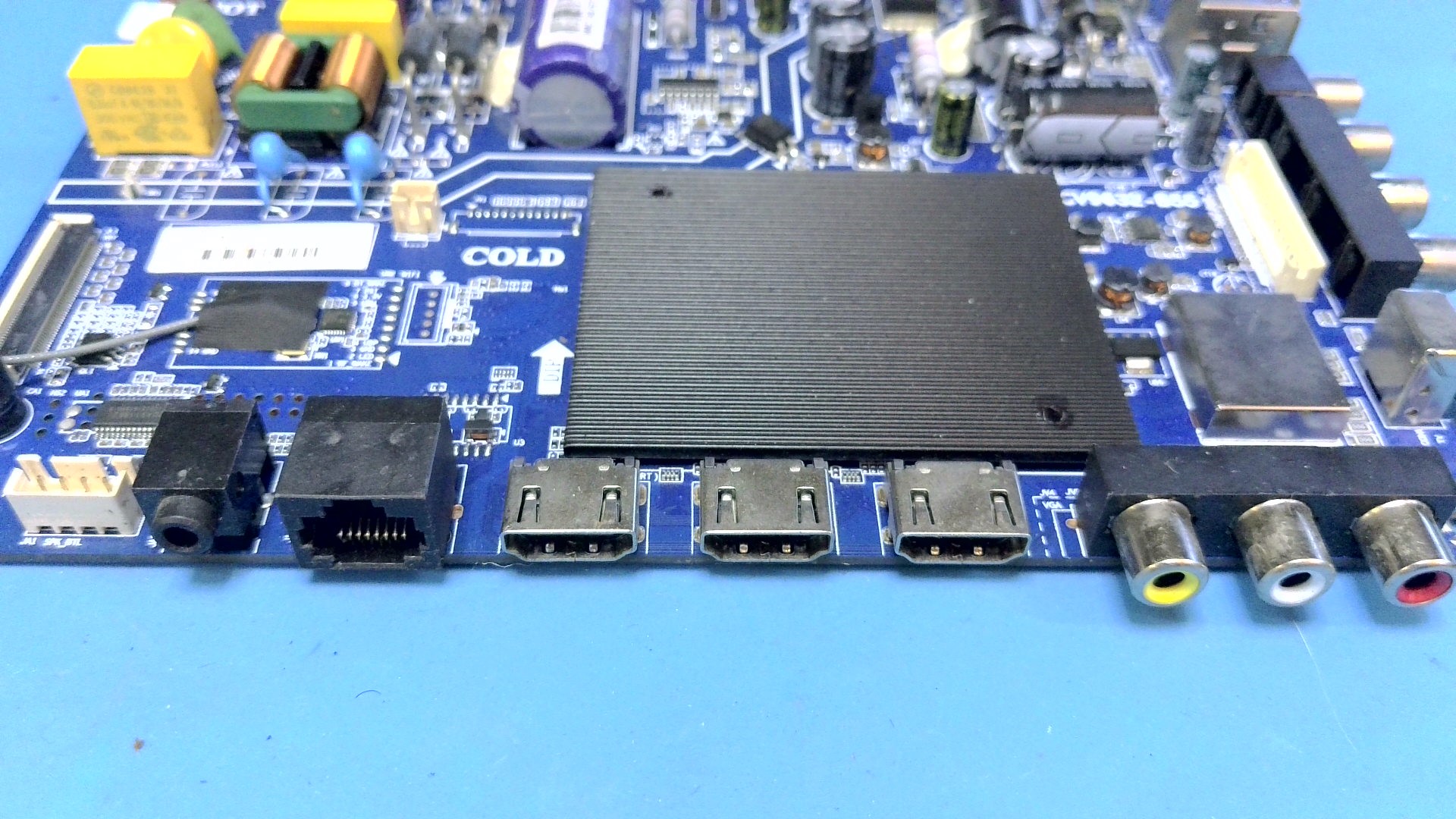
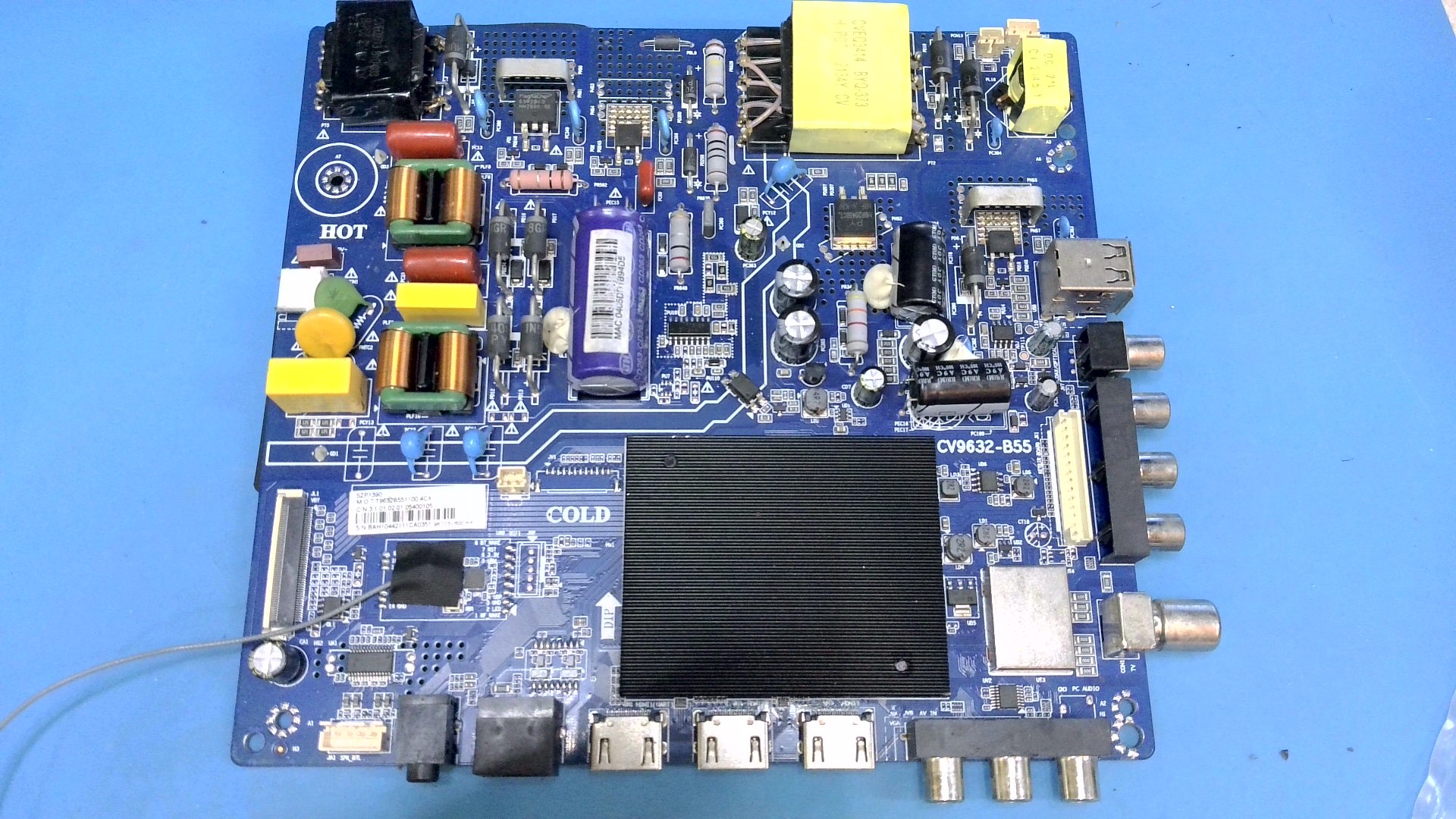
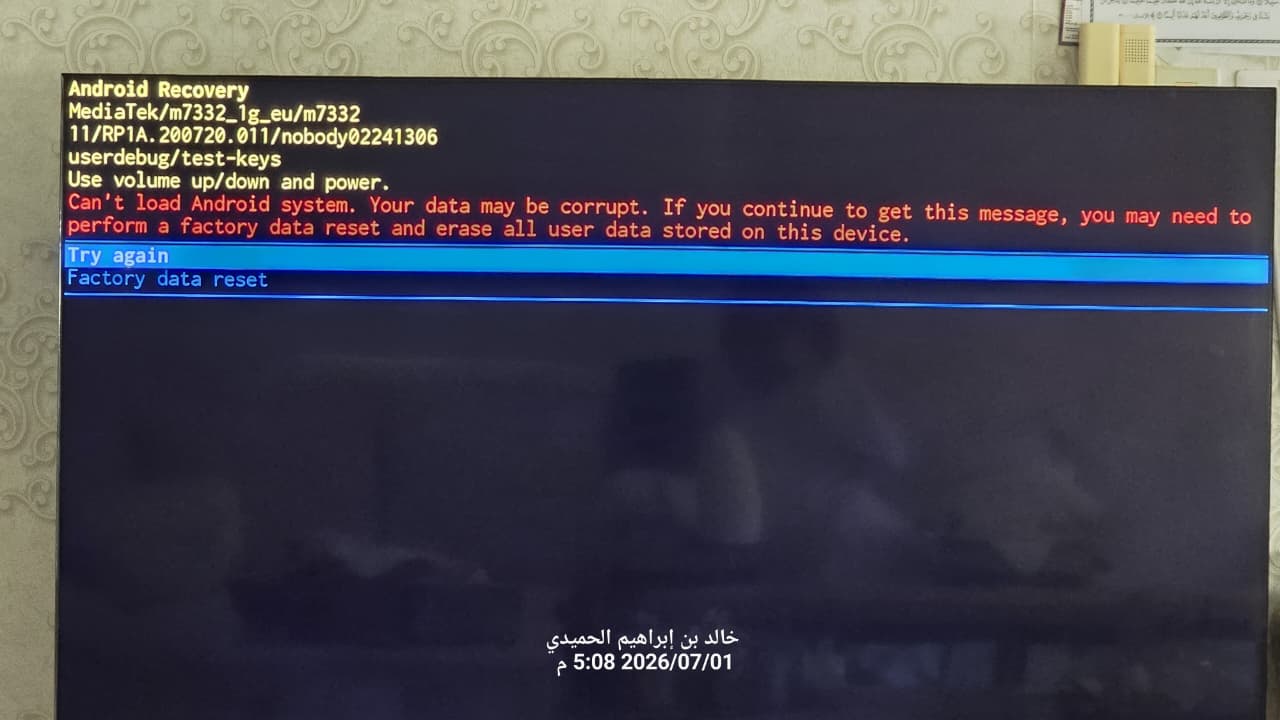
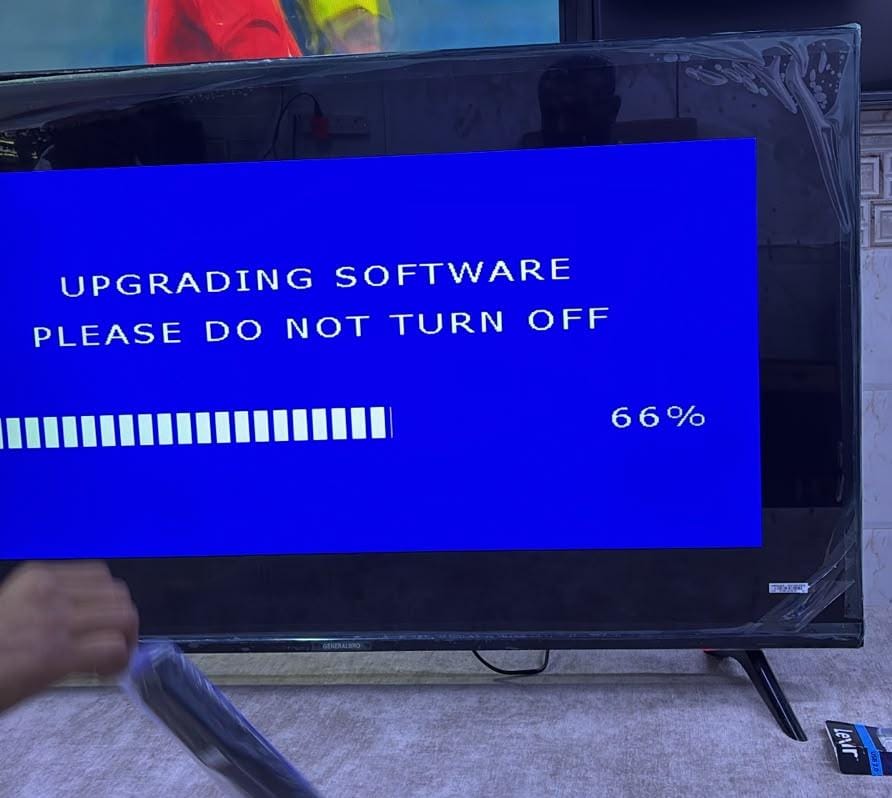
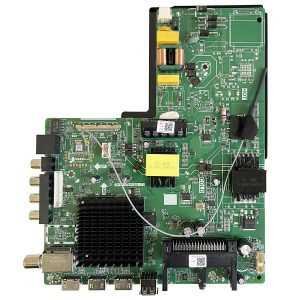
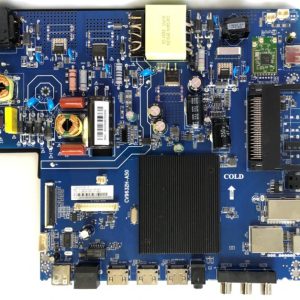
The CV9632-B55 USB Firmware is a high-quality firmware designed for Android Smart LED TVs using the CV9632-B55 mainboard. This firmware allows you to update or reinstall your TV software via a USB flash drive using the CtvUpgrade.bin file.
If your TV is stuck on the logo, keeps restarting, freezes during startup, has corrupted software, or requires a fresh firmware installation, this USB update package can help restore normal operation.
Product Information
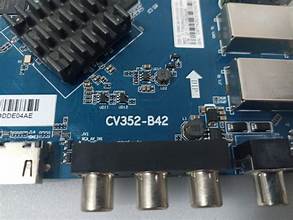
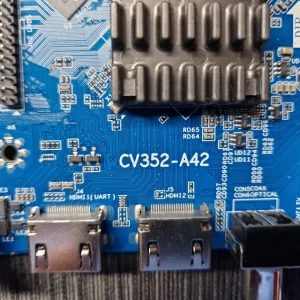
Mainboard Model: CV9632-B55
TV Model: UHD60SLED1
Firmware Type: USB Upgrade Firmware
Upgrade File Name: CtvUpgrade.bin
TV Platform: Android Smart LED TV
Resolution: 4K Ultra HD (3840 × 2160)
Installation Method: USB Upgrade
File Format: ZIP / RAR (Extract before use)
Supported Issues
Stuck on Boot Logo
Boot Loop
Auto Restart
Software Corruption
System Crash
Android Recovery
Slow Performance
Firmware Upgrade
Software Reinstallation
USB Installation Guide
Download the firmware package.
Extract the ZIP/RAR file.
Copy the CtvUpgrade.bin file to the root directory of a FAT32-formatted USB flash drive.
Turn off the TV.
Insert the USB flash drive into the TV.
Press and hold the TV Power button while turning on the TV.
Wait until the firmware installation is completed.
The TV will restart automatically after the update.
Reviews
There are no reviews yet.