
Firmware Installation Guide
USB Update Method (CtvUpgrade.bin)
Requirements:
– FAT32 Formatted USB Flash Drive (4GB–32GB Recommended)
– Compatible Firmware File (CtvUpgrade.bin)
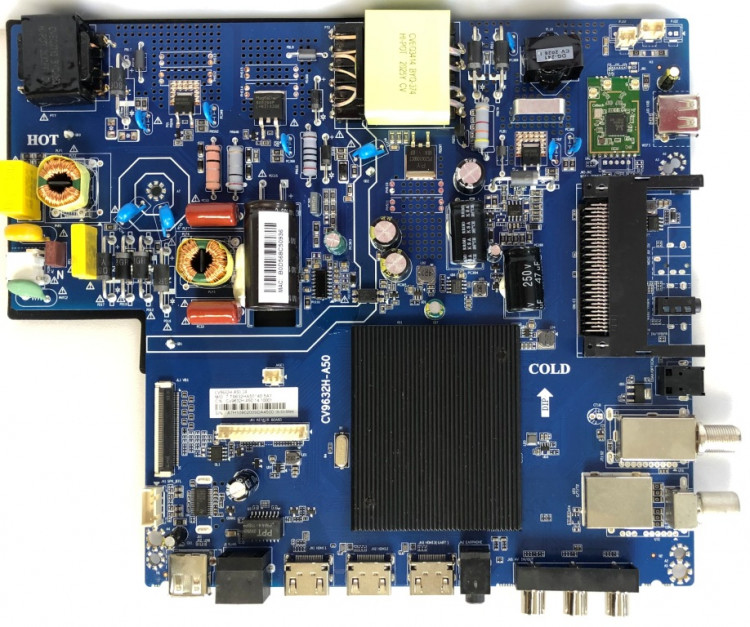
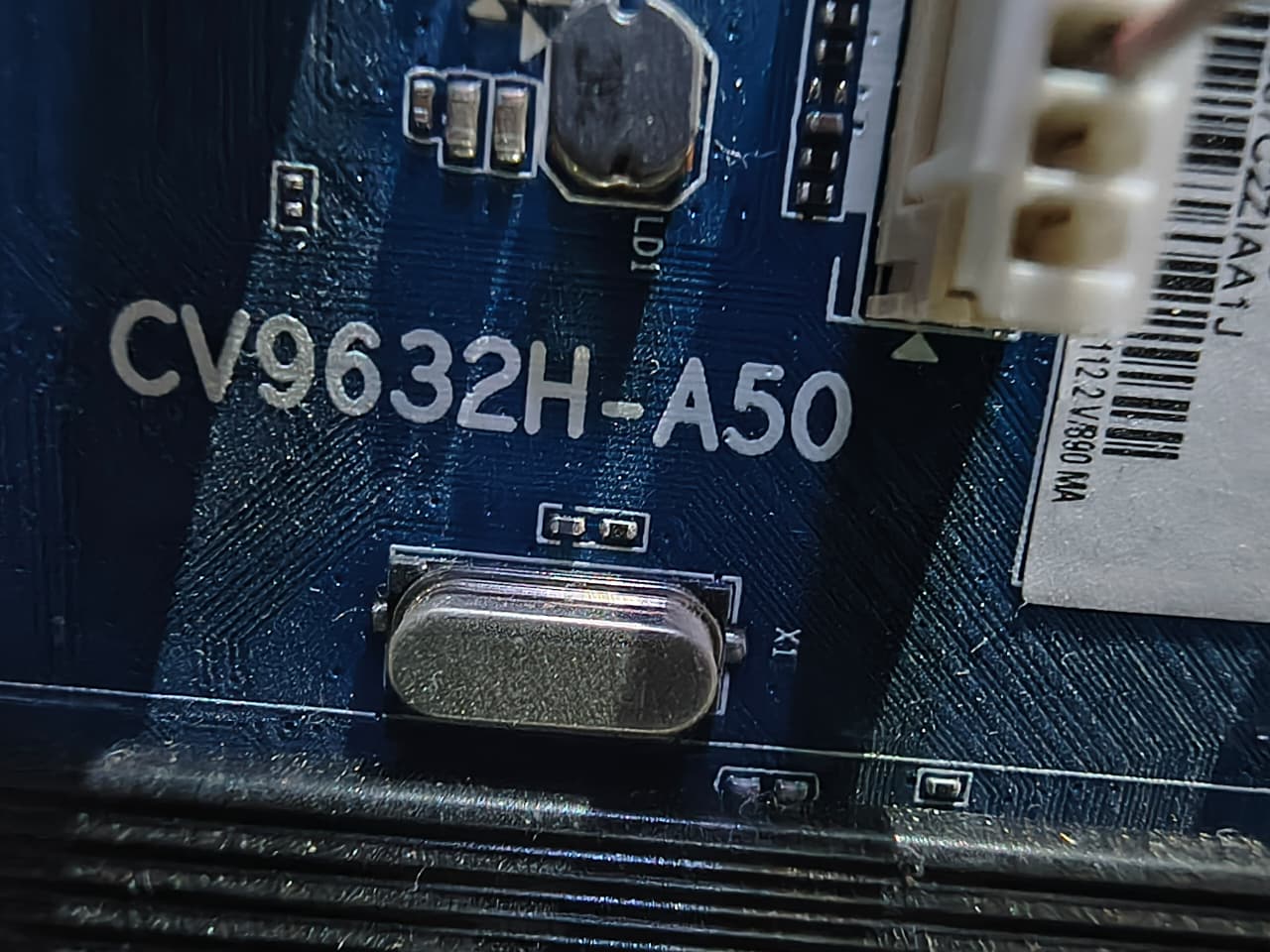
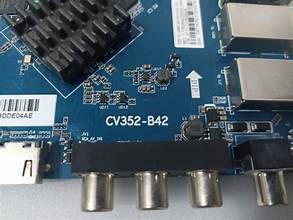
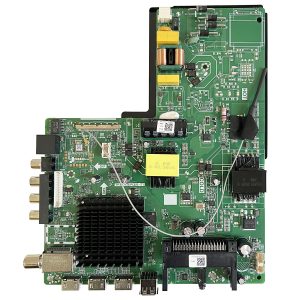
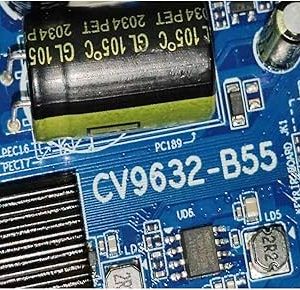
– CV352-B42 Mainboard TV
Installation Steps
1. Download the firmware file after purchase.
2. Format your USB flash drive to FAT32.
3. Copy the firmware file CtvUpgrade.bin to the root directory of the USB drive.
4. Turn OFF the TV and unplug the power cord.
5. Insert the USB flash drive into the TV’s USB port.
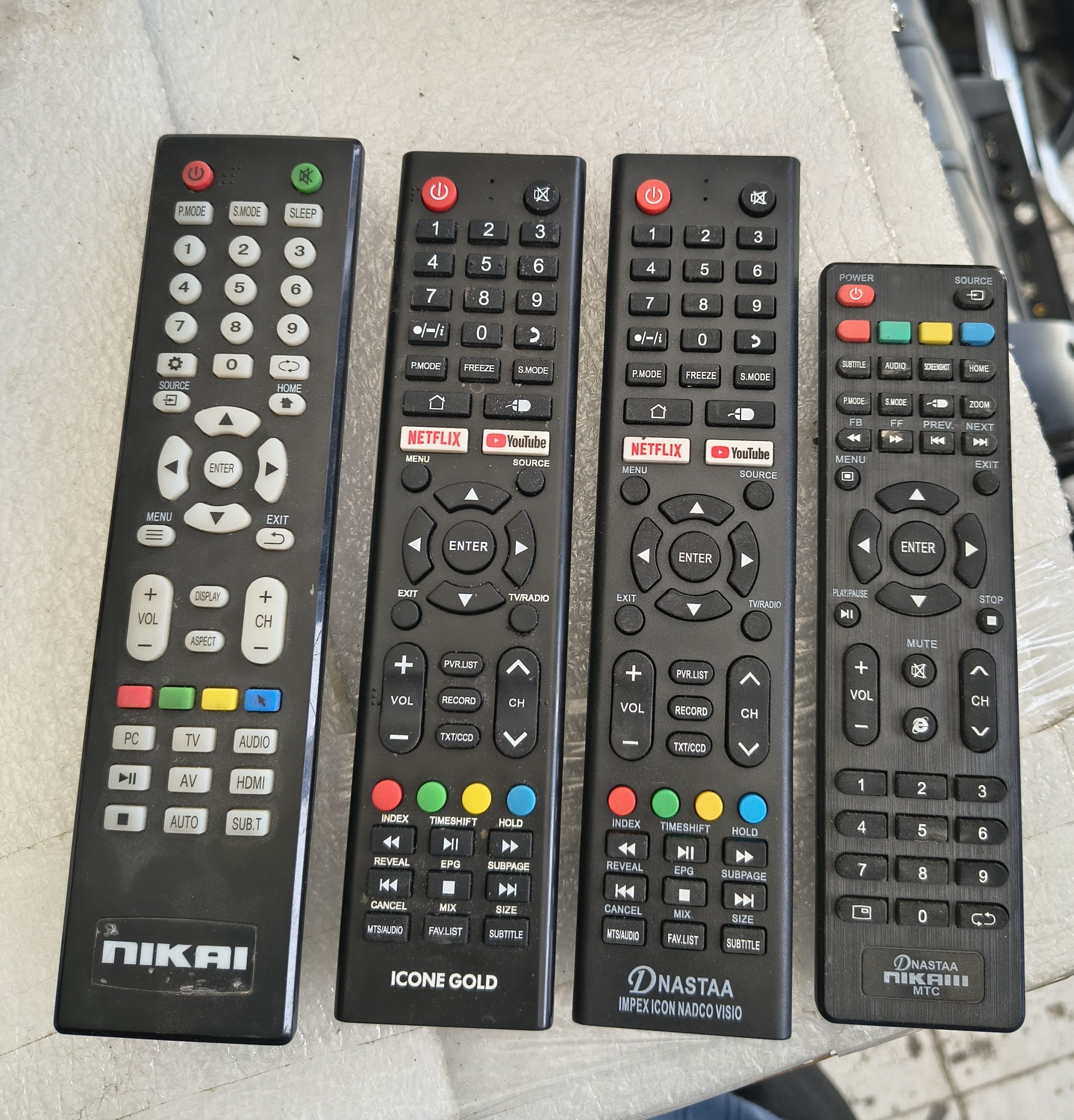
6. Press and hold the TV’s Power Button (or the button specified by your TV manufacturer).
7. While holding the button, connect the power cord.
8. Continue holding the button until the firmware upgrade process begins.
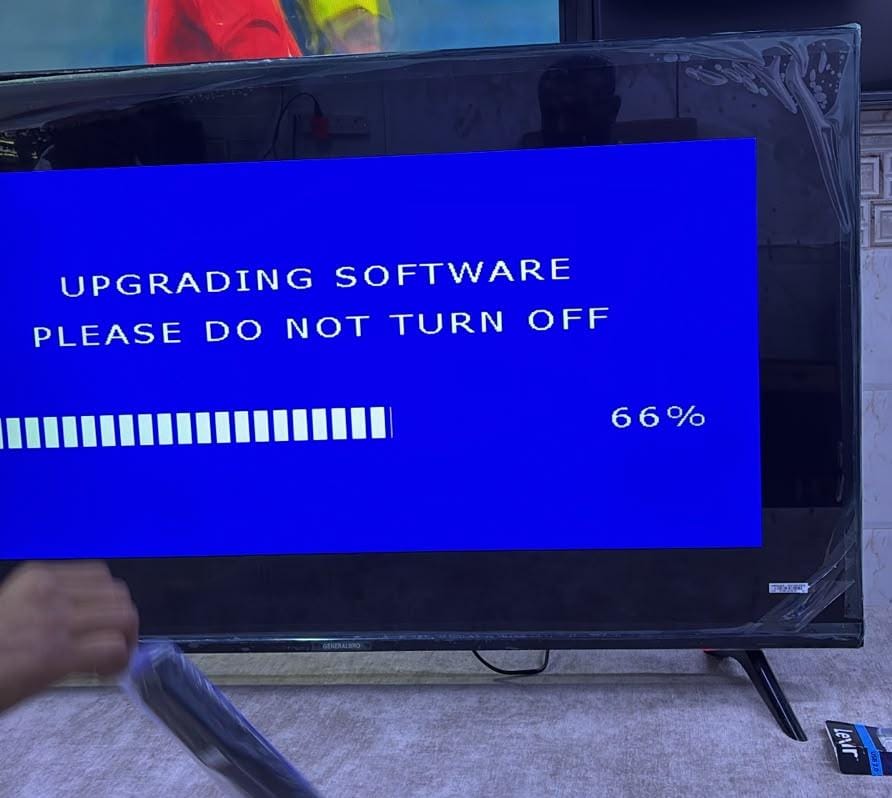
9. Wait patiently while the software is installed. Do not remove power or the USB drive during the update.
10. The TV will restart automatically after the installation is complete.
11. Remove the USB drive and perform the initial TV setup.
Important Notes
– Use only firmware designed for your exact mainboard model.
– Do not interrupt the update process.
– A failed or incorrect firmware installation may cause the TV to malfunction.
– If the TV does not start the update automatically, the upgrade procedure may vary depending on the TV brand.
Reviews
There are no reviews yet.