
Product Overview
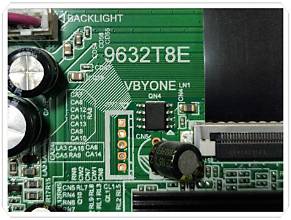
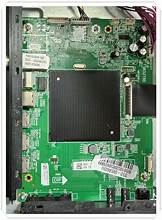
9632T8E Tested TV Motherboard Firmware is a firmware file used to resolve software/firmware issues on compatible Smart Android LED TVs using the 9632T8E Main Board.
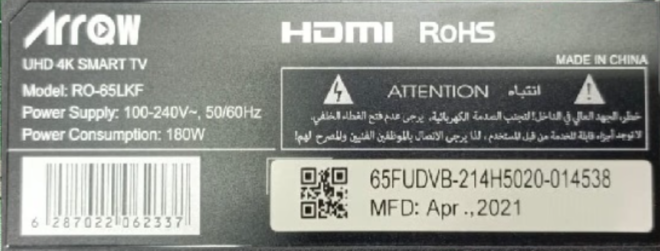
This motherboard is used in various TV brands and models and the 9632T8E board is also available with 4K UHD 3840×2160 resolution panels. The firmware file may differ according to different compatible configurations. So, be sure to verify your TV model, motherboard number and panel information before software installation.
Main Board Information
– Main Board: 9632T8E
– Board Type: Smart Android LED TV Mainboard
– Processor Platform: MediaTek MT9632 family
– Supported Resolution: Compatible versions include 3840×2160 UHD / 4K
– Storage: Up to 8GB available, depending on configuration
– Firmware Type: USB Boot / Firmware Software
– Installation: Via USB flash drive
Reviews
There are no reviews yet.