
 FULL HD 1920*1080
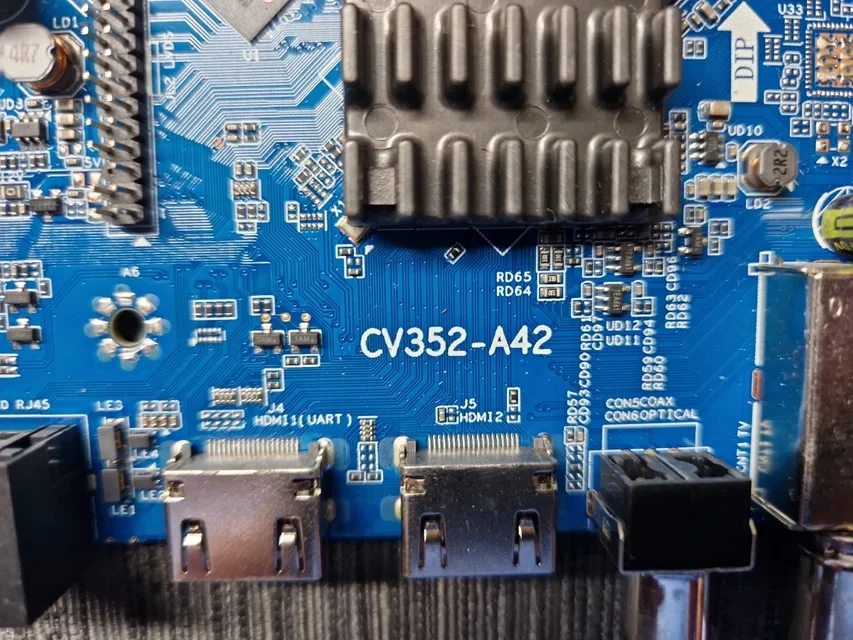
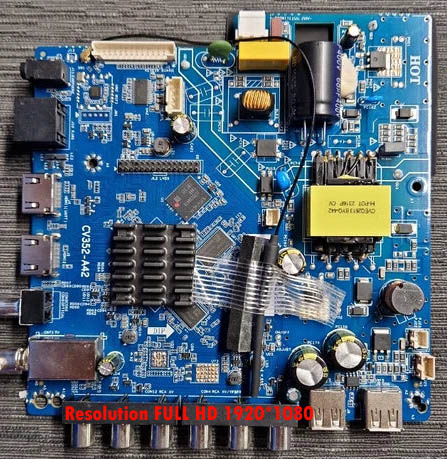
CV352-A42 Android Smart TV Software Download
CV352-A42 is a popular Android/Smart LED TV Mainboard, which is used in 40″, 43″, 50″ 55″, 65″ inch and others TVs of various brands. If your TV is stuck on the Logo, Boot Loop, Software Corrupted or needs a USB Update, then this Firmware may be the solution.
Features
✅ USB Upgrade Supported
✅ Firmware File: CtvUpgrade.bin
✅ Easy Installation Process
✅ Fix Logo Stuck Problem
✅ Fix Auto Restart Issue
✅ Fix Software Corruption
✅ Compatible with CV352-A42 Mainboard
Common Problems Solved
TV Stuck on Logo
No Boot / Dead Software
Automatic Restart
Software Crash
System Update Failure
Android System Corrupted
Installation Guide
1. Format USB Drive FAT32.
2. Copy Firmware File (CtvUpgrade.bin) to USB Root Directory.
3. Power OFF TV and reconnect power. The software will start working.
And wait until it is complete.
Product Information
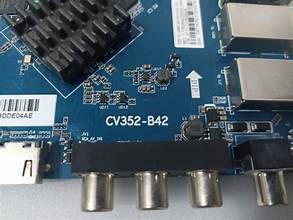
Mainboard Model: CV352-A42
Firmware Type: USB Upgrade
File Format: CtvUpgrade.bin
Category: Smart TV Firmware
Delivery: Instant Download
Important Notice
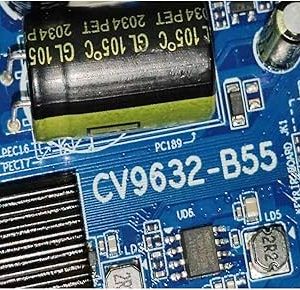
⚠️ Before installing the firmware, please match the Mainboard Number.
⚠️ Installing the wrong firmware may cause Display Inverted, No Picture, No Backlight or Logo Problem.
Reviews
There are no reviews yet.