
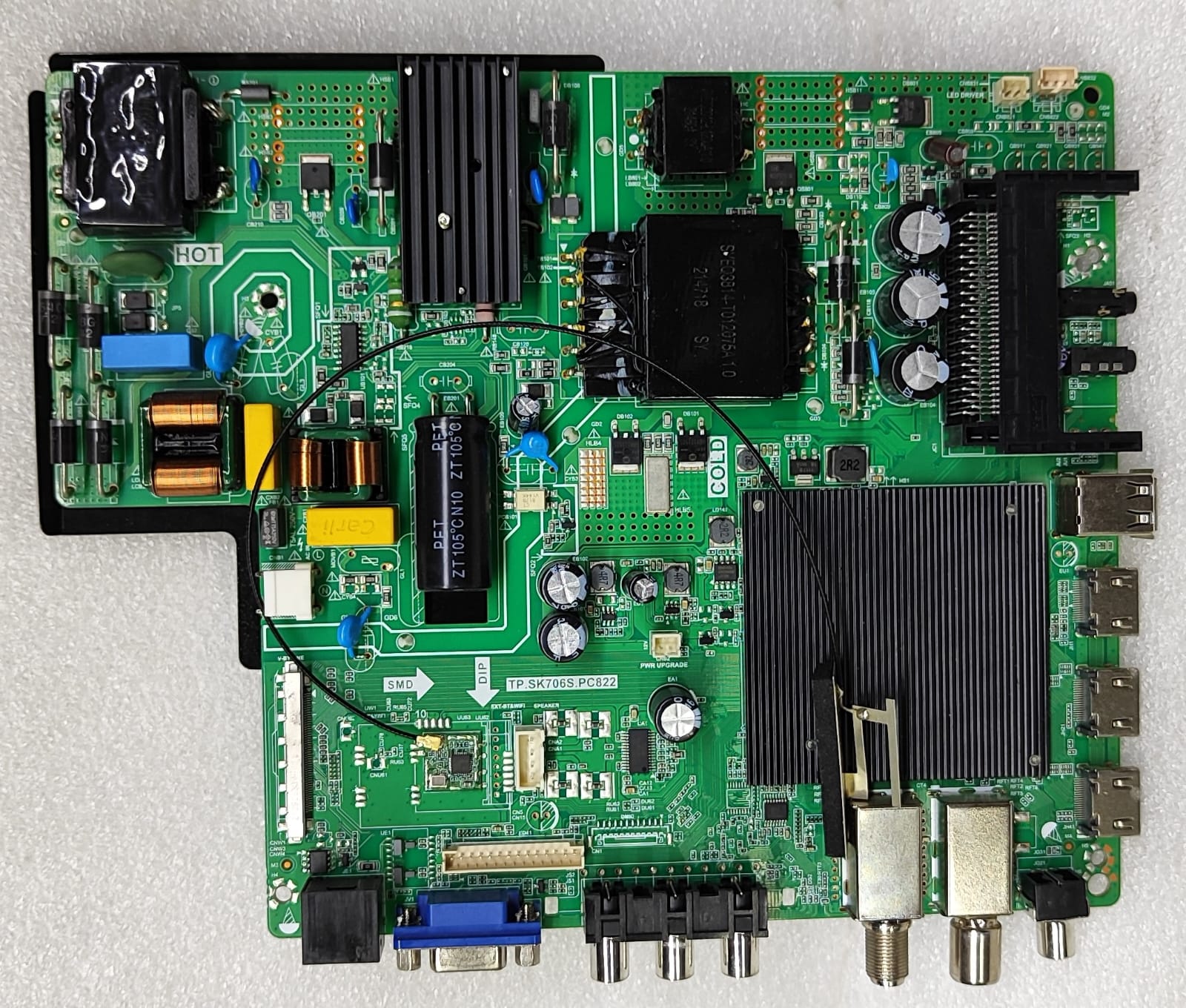
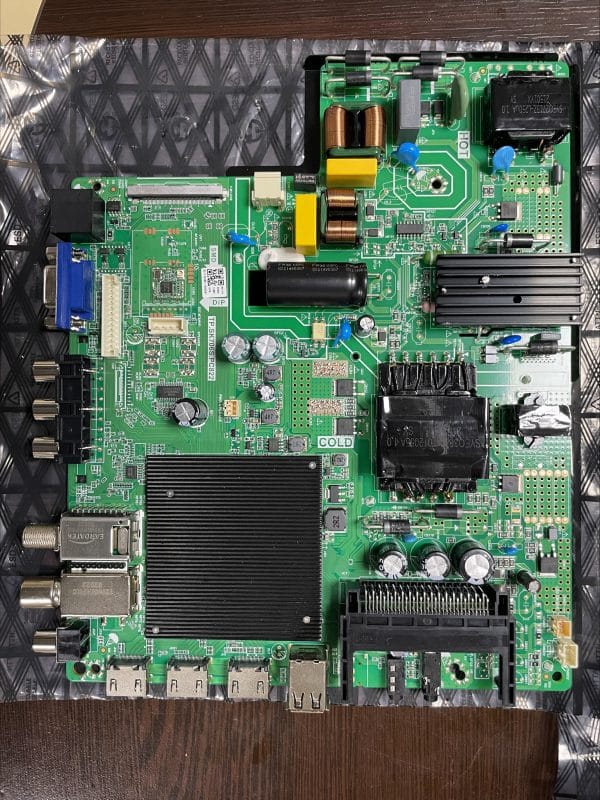
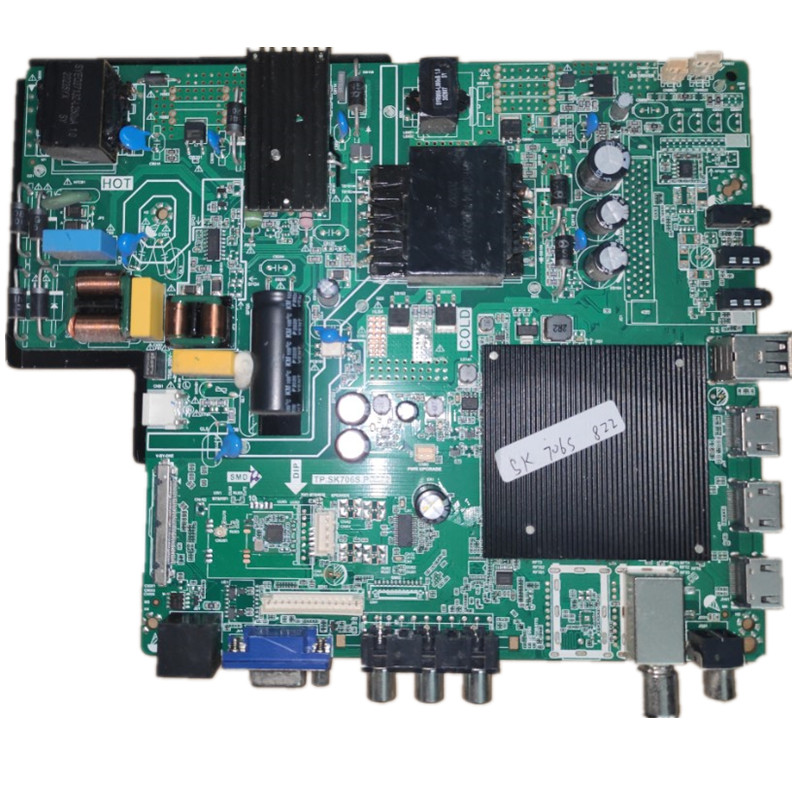
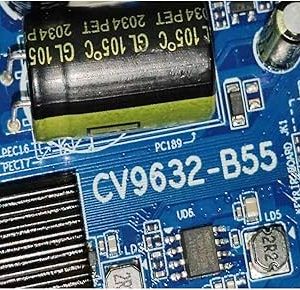
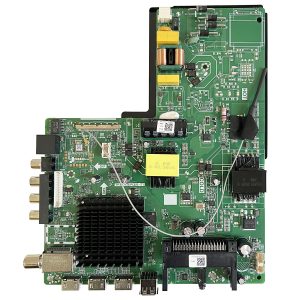
TP.SK706S.PC822 is a 4K Smart Android LED TV Combo Mainboard. This motherboard integrates the power supply, LED Backlight Driver and Android Mainboard on the same PCB. This firmware is used to fix TV software issues via USB Upgrade. The board is commonly used in 42″ to 65″ 4K LED TVs and is available in various brands of TVs based on the MTK9632 chipset.
Firmware Features
Mainboard Model: TP.SK706S.PC822 Non Bluetooth Model
Firmware Type: USB Upgrade Firmware
Update Method: USB Flash Drive
Resolution Support: 3840 × 2160 (4K UHD)
Main Chipset: MediaTek MT9632
Android TV Platform
Supports 8GB / 16GB Storage Variants
Compatible with supported TP.SK706S.PC822 board revisions only.
Common Problems Solved
This firmware can help fix:
TV stuck on logo
Boot loop / Restart issue
No display after software corruption
System crash or freezing
Slow performance
Software update failure
Factory reset issues
Black screen caused by firmware corruption
Dead software recovery (software-related faults only)
Package Includes
Original USB Upgrade Firmware
Required Update Files
Ready-to-Use Software Package
Installation Method
1. Format a USB flash drive to FAT32.
2. Copy the firmware files to the USB drive.
3. Insert the USB into the TV.
4. Start the TV using the correct USB upgrade procedure.
5. Wait until the installation is complete.
6. Remove the USB and restart the TV.
Important Notice
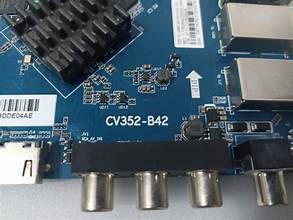
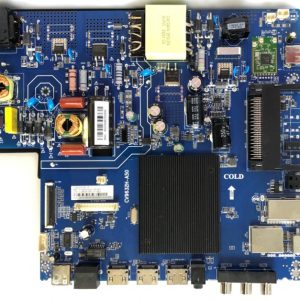
Please verify that your TV uses the TP.SK706S.PC822 motherboard before purchasing.
Match the firmware with the correct panel and board version.
Installing the wrong firmware may cause display or boot issues.
Disclaimer
This firmware is intended for professional technicians and experienced users. We are not responsible for any damage caused by installing incorrect firmware or improper update procedures.
Reviews
There are no reviews yet.