
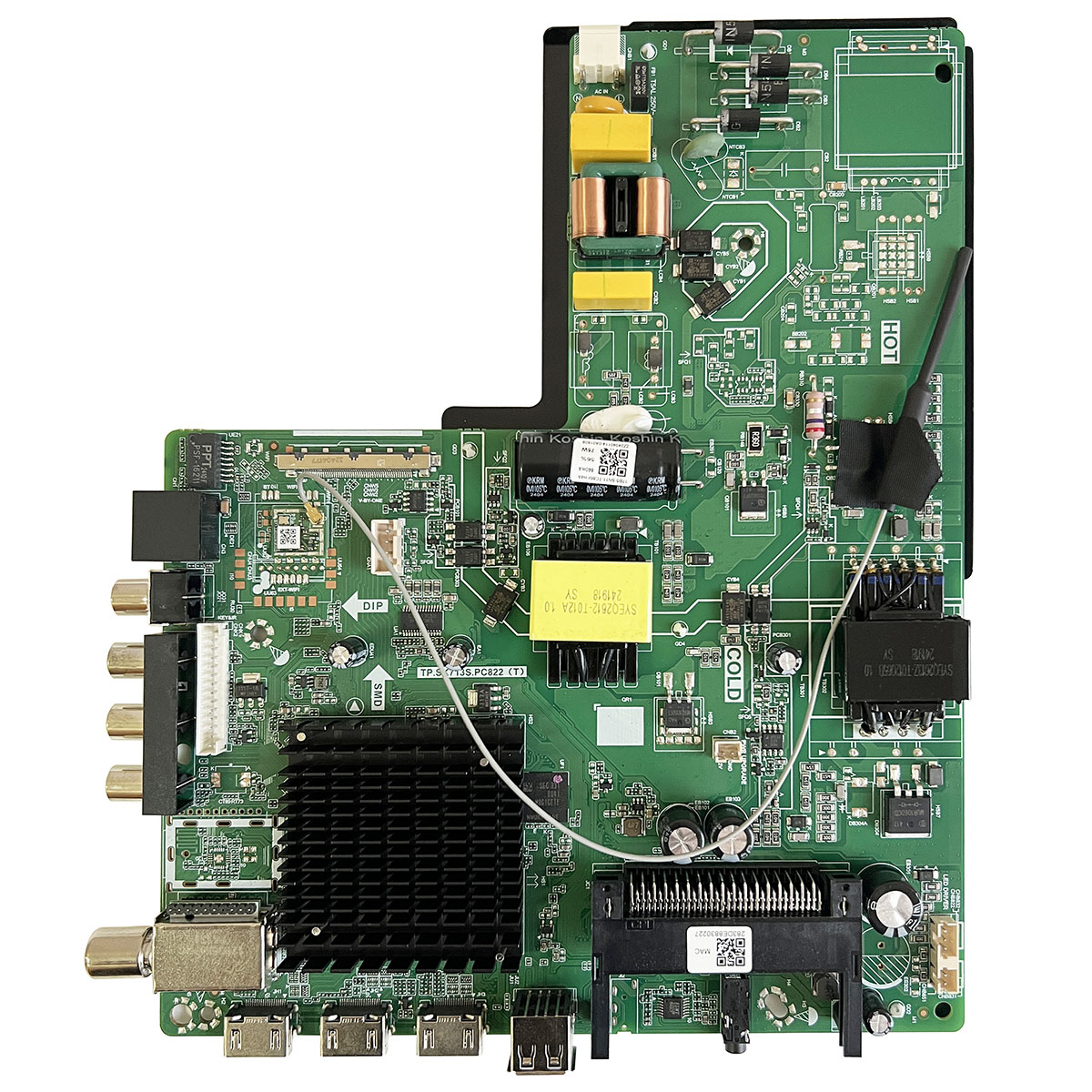
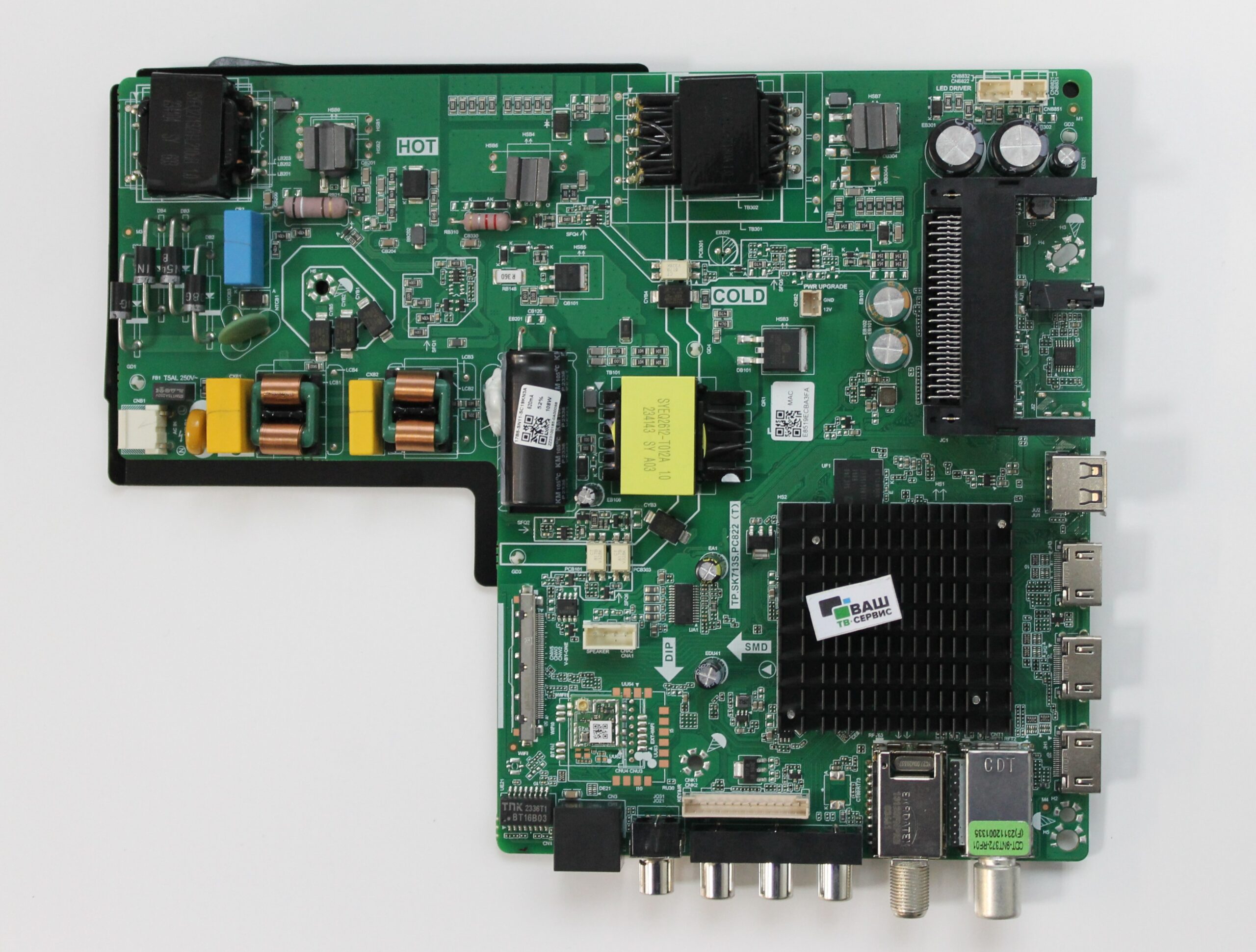
This Firmware can be used for the following types of software-related problems:
✔️ Stuck on TV Logo
✔️ Not Booting or Boot Loop
✔️ Software Corrupted
✔️ System Crash
✔️ Reinstalling Factory Software
✔️ Software Recovery/Update via USB
Note: Firmware is a Technical Product. Do not install without ensuring the correct Hardware/Panel Configuration.
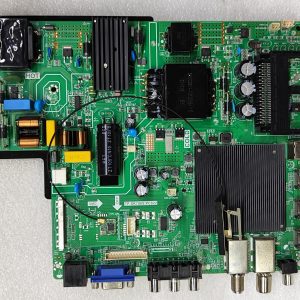
Product: TP.SK713S.PC822 Firmware
Type: Smart TV Software
Version: Android 13Resolution: 4K UHD
Installation Instructions:
1. Download the Firmware file.
2. Extract it if it is a ZIP/RAR file.
3. Use a good quality USB Flash Drive and format it to FAT32 as required.
4. Place the “.img” file of the Firmware in the Root Directory of the USB.
5. Connect the USB Flash Drive to the USB Port of the TV.
6. Launch the USB Firmware Update or Recovery Mode according to your specific Main Board/TV Model.
7. Do not turn off the TV and do not open the USB until the Firmware Installation is complete.
8. The TV may restart itself after the installation is complete.
9. The first boot may take a little longer than usual.
File: allupgrade_aml962d4_an13_8G_1P5GB_80.img
Rename: allupgrade_aml962d4_an13_8G_1P5GB_sos.img
Use USB 3.0 and format the USB to fat32 format
Copy the file allupgrade_aml962d4_an13_8G_1P5GB_sos.img to the USB and connect it to the TV and plug in the power, the software update will start.
Sarman hosssin –
Thank you very much for your support, sir.
Ahmmod Ali –
good working thanks